You have just unboxed your new IQOS ILUMA i Prime in that stunning Breeze Blue finish. The touch screen feels like a serious leap forward. But if you are using the device exactly as it came out of the box, you are essentially driving a sports car in first gear.
In 2026, the ILUMA i series is more than a heated tobacco device, it is a smart product with a companion app that most users in Dubai and Abu Dhabi never open. Whether you want to silence vibrations during a quiet meeting in the DIFC, extend battery life through a long day, or dim the screen for a discreet evening session, the IQOS App is your control centre. This guide walks through every practical customisation option and how to use it.
What the IQOS App Controls
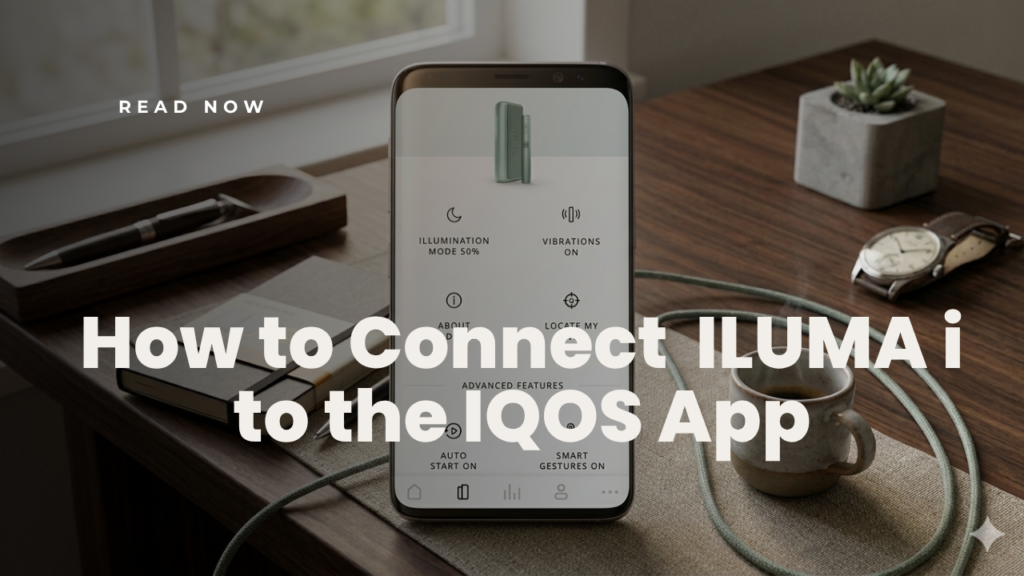
Think of the IQOS App as the settings menu for your physical device. While the SMARTCORE INDUCTION SYSTEM™ handles the actual heating automatically, the app lets you control how the device behaves and communicates with you.
The app gives you control over four main areas:
| Setting Area | What You Can Change |
|---|---|
| Haptic Feedback | Turn vibrations on or off for session start, pause alerts, and end-of-session warnings |
| Illumination | Adjust LED touch screen brightness or turn it off entirely |
| Smart Features | Toggle Auto-Start, Pause Mode, and view FlexPuff session statistics |
| Battery Management | Enable FlexBattery Eco Mode to protect long-term battery health |
Which ILUMA i Devices Support App Customisation
Before adjusting any settings, identify which model you have, app support varies significantly across the ILUMA i range.
IQOS ILUMA i Prime
The flagship model. Supports every app feature, touchscreen brightness, Pause Mode, FlexBattery, and full vibration control. Available in Midnight Black, Breeze Blue, and Aspen Green.
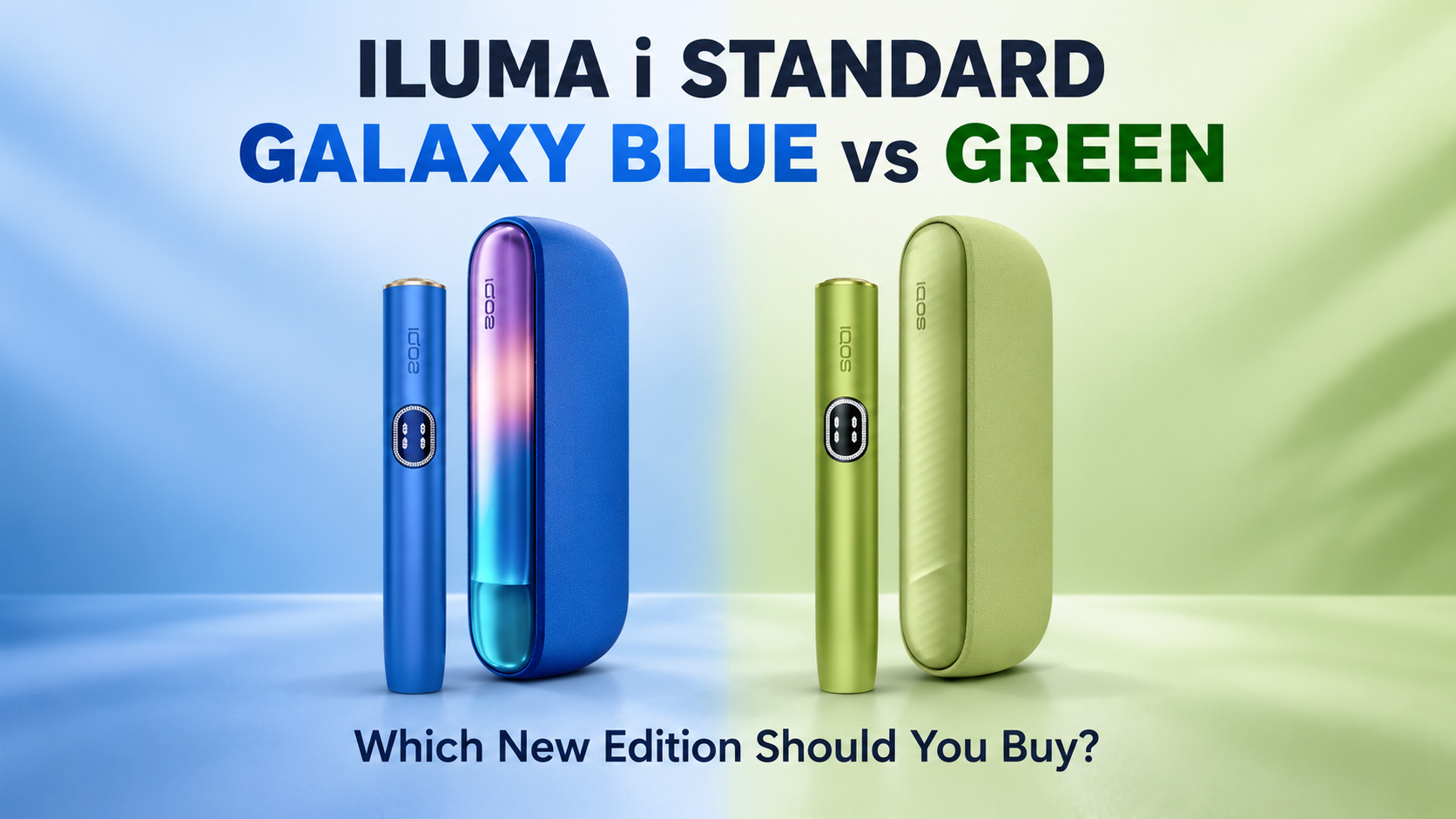
IQOS ILUMA i Standard
Full app customisation support including the interactive screen features. Popular in Electric Purple and Digital Violet.
IQOS ILUMA i One
Compact all-in-one design. Supports Auto-Start and FlexPuff but has limited app customisation, no Pause Mode or advanced screen dimming due to its integrated design. Available in Terracotta Orange and Lime Green.
How to Connect Your ILUMA i to the IQOS App
Connecting in the UAE requires one extra step due to iOS App Store regional restrictions. Follow this sequence for a guaranteed sync:
- Access the App: On Android, download the IQOS app directly from the Google Play Store. On iOS, the native app has regional restrictions, use the IQOS Web App through a Bluetooth-enabled browser such as Bluefy.
- Account Setup: Create or log into your IQOS account. This links your warranty to the device serial number.
- Prepare for Pairing: Ensure your holder is seated inside the pocket charger. Hold the button on the charger for approximately 4 seconds until the lights begin to pulse.
- Sync: Select “Add Device” in the app. Once the device vibrates once, the connection is confirmed.
Customisation Features Explained
Auto-Start
With Auto-Start enabled, you do not need to press any button to begin a session. The SMARTCORE INDUCTION SYSTEM detects the moment a TEREA stick is inserted and begins heating automatically. This is the most popular setting among daily users in Dubai who want a seamless, one-hand experience.
Vibration and Haptic Alerts
This is one of the most practical customisations for office and professional environments. You can configure haptic feedback independently for each session stage:
- Session Start: A vibration confirms pre-heating is complete and your stick is ready, useful when you cannot look at the screen.
- Pause Alert: On the ILUMA i Prime and Standard, a specific vibration pattern warns you when the 8-minute Pause Mode window is almost expired.
- End-of-Session Warning: Choose between a vibration at the last 30 seconds or the last 2 puffs, giving you time to finish naturally rather than being cut off abruptly.
For users in meetings or shared spaces, turning off all vibrations and dimming the screen turns your device completely silent and nearly invisible. This is one of the most underused features among ILUMA i Prime owners in the UAE.
Screen Brightness and LED Control
The touch screen on the ILUMA i Prime and Standard can be dimmed to three levels or turned off entirely between sessions. In low-light environments, restaurants, evening outdoor settings, or cinemas, a fully dimmed screen makes the device far more discreet without affecting how it functions.
Pause Mode
Pause Mode is exclusive to the ILUMA i Prime and Standard. It lets you pause a session mid-way and resume within an 8-minute window without wasting the stick. The app lets you toggle this feature on or off depending on your preference. It is particularly useful during interrupted conversations or when stepping away briefly. For a detailed breakdown, read the full Pause Mode guide.
FlexPuff and Session Statistics
FlexPuff is an adaptive session feature that adjusts the total number of puffs based on how you inhale. The app shows your FlexPuff history so you can see how your puffing pattern affects session length. If you notice sessions with TEREA Amber ending sooner than expected, this is the first place to check.
FlexBattery and Eco Mode
FlexBattery gives you two charging modes:
- Standard Mode: Charges to full capacity, 3 consecutive sessions per full charge.
- Eco Mode: Charges to 80% only, extends battery lifespan over time but reduces you to 1 session per charge cycle.
In the UAE’s high ambient temperatures, battery cells degrade faster than in cooler climates. Enabling Eco Mode during summer months is a practical way to protect long-term battery health if you typically charge near a power source throughout the day.
Device Lock
Auto-Lock links the device to your paired phone. When enabled, the ILUMA i will not activate unless it is connected to your phone via Bluetooth. This is an important safety measure for households with children and adds a basic layer of theft deterrence.
Usage Insights
The app logs daily puff counts, session durations, and battery cycle history. For users tracking their consumption, this dashboard gives a clear view of patterns over time. Battery cycle data also indicates when the internal battery may need servicing.
What Customisation Does Not Change
It is important to be direct about this: the IQOS App will not make your device “hit harder,” increase vapor output, or change the flavor of your sticks.
The flavor of every session is determined entirely by the TEREA blend you choose, whether that is the malty warmth of TEREA Teak, the citrus-bright character of TEREA Yellow, or the cooling freshness of TEREA Turquoise. The app only controls user interface and feedback mechanisms. Heating temperature is fixed by design to keep tobacco below combustion point, this is non-negotiable and cannot be altered.
If your device is producing weaker flavor than usual, the cause is almost always sensory adaptation or a cleaning issue, not a settings problem. The ILUMA i cleaning guide covers this in full.
ILUMA i Prime vs Standard vs One, Feature Comparison
| Feature | ILUMA i Prime | ILUMA i Standard | ILUMA i One |
|---|---|---|---|
| Full App Support | ✅ Yes | ✅ Yes | ⚠️ Limited |
| Touch Screen | ✅ Yes | ✅ Yes | ❌ No |
| Pause Mode | ✅ Yes | ✅ Yes | ❌ No |
| FlexBattery / Eco Mode | ✅ Yes | ✅ Yes | ❌ No |
| FlexPuff | ✅ Yes | ✅ Yes | ✅ Yes |
| Auto-Start | ✅ Yes | ✅ Yes | ✅ Yes |
| Device Lock | ✅ Yes | ✅ Yes | ❌ No |
| Available Colors | Midnight Black, Breeze Blue, Aspen Green | Electric Purple, Digital Violet | Terracotta Orange, Lime Green |
Common Customisation Mistakes to Avoid
- Pairing while the device is plugged into a wall outlet. Always disconnect from charging before attempting Bluetooth sync. Pairing during charge is the most common cause of “Firmware Error” messages.
- Skipping firmware updates. When the app prompts a firmware update, run it promptly. Updates in 2025 and 2026 have specifically addressed battery thermal management for high-temperature markets like the UAE.
- Misunderstanding Eco Mode limitations. If you enable Eco Mode to protect battery health, the device will only complete one session per charge cycle instead of three. Plan accordingly if you are away from a charger for extended periods.
- Expecting the app to fix flavor issues. If a TEREA Sienna or TEREA Bronze stick tastes off, the solution is cleaning the device, not adjusting app settings.
- Not registering your device. Skipping account setup means your warranty is not linked to your serial number. If you ever need a replacement in Dubai or Abu Dhabi, this creates unnecessary delays.
Is the IQOS App Required for Daily Use?
No. The ILUMA i works perfectly out of the box without ever opening the app. Default settings are well-calibrated for most users.
However, users who spend ten minutes configuring the app to their lifestyle consistently report a noticeably better experience, particularly around discreet use in professional environments, battery life management during UAE summer months, and understanding session data through FlexPuff history.
If you are a new user, use the device on defaults for the first week. Once you understand your natural routine and puffing rhythm, open the app and adjust from there. For a broader look at the device itself, the complete ILUMA i Prime guide and the ILUMA i Standard UAE review cover hardware details in depth.
Shop IQOS ILUMA i Devices in the UAE
All ILUMA i models available with same-day delivery across Dubai, Abu Dhabi, and Sharjah.
Frequently Asked Questions
Can I reset all customisation settings back to default?
Yes. Inside the app there is a Reset to Factory Settings option that removes all custom vibration, lighting, and notification preferences instantly and returns the device to its out-of-box configuration.
Does using the app drain the battery faster?
No. The app itself does not increase battery drain during normal sessions. Dimming the LED screen and enabling Eco Mode through the app can actually extend battery life over the long term.
Can I manage multiple IQOS devices from one app account?
Yes. The IQOS App supports up to five registered devices under a single account, allowing you to switch between devices and manage settings for each without reconfiguring every time.
Why won’t my ILUMA i connect to the app on iOS in the UAE?
The native IQOS app has regional restrictions on the Apple App Store in the UAE. The recommended workaround is to use the IQOS Web App through a Bluetooth-capable browser such as Bluefy. Android users can download the app directly from the Google Play Store without restriction.
Does Pause Mode work on the ILUMA i One?
No. Pause Mode is only available on the ILUMA i Prime and ILUMA i Standard. The ILUMA i One is an all-in-one integrated design that does not support Pause Mode or advanced screen dimming. It does support Auto-Start and FlexPuff.
Can the IQOS App change the flavor or strength of my TEREA sticks?
No. The app has no control over heating temperature or nicotine content. Flavor and strength are entirely determined by the TEREA blend you choose. The app only controls device behavior, feedback, and battery settings.
What should I do if the app shows a Firmware Error?
Disconnect the device from its charger, forget the device in your phone’s Bluetooth settings, close and reopen the app, then attempt pairing again. Firmware errors are almost always caused by trying to sync while the device is connected to a power source.