
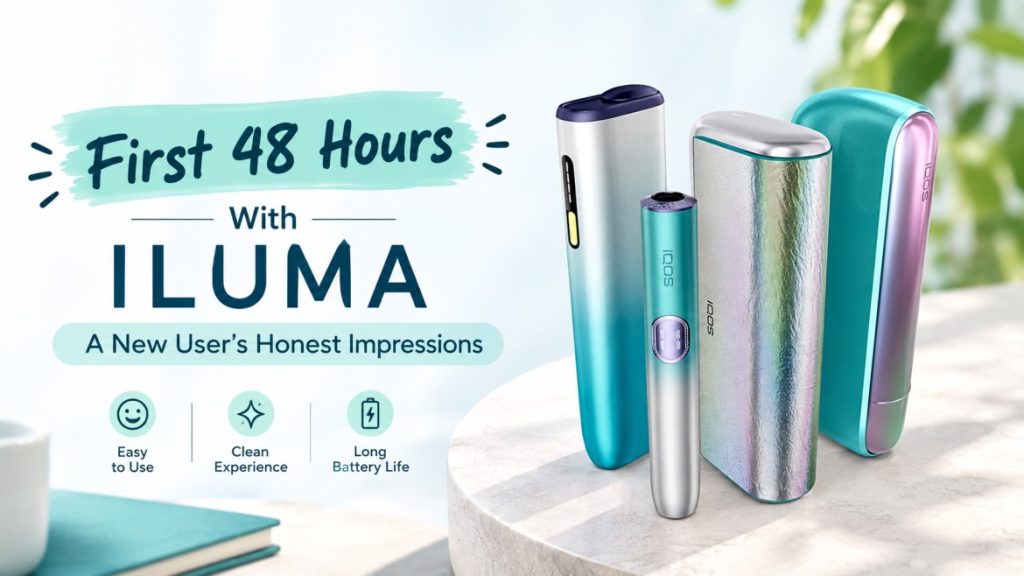
First 48 Hours With ILUMA: A New User’s Honest Impressions
Real 48-hour hands-on review of IQOS ILUMA i One, Standard, and Prime in the UAE. Setup, controls, charging, and honest first impressions.
On this page · 12 sections
- What Is It Really Like to Use ILUMA for the First Time?
- Before Day One: Which ILUMA Model Did We Test?
- Quick reference: model vs. color
- Hour 0–1: Unboxing and First Setup
- Hour 1–6: The Learning Curve
- Hour 6–12: Living With ILUMA
- Hour 12–24: The First Full Day
- Hour 24–36: What Started to Stand Out?
- Hour 36–48: My Verdict After Two Days
- ILUMA i One vs. ILUMA i Standard vs. ILUMA i Prime
- Common Questions New ILUMA Users Ask
- Final Verdict: Is 48 Hours Enough to Understand ILUMA?
What Is It Really Like to Use ILUMA for the First Time?
Every first-time ILUMA user goes through the same mental checklist. How do I set it up? How long does charging take? Will I figure out the controls without digging through a manual every five minutes? This article answers those questions the way a real 48 hours with the device actually plays out, not the polished version you get from a spec sheet.
This isn’t a long-term verdict. It’s a close look at the first two days, when everything still feels new and every small detail stands out. Your own experience can shift depending on which ILUMA model you pick, how you use it day to day, and whether you’ve handled a heated tobacco device before.
Three models sit at the center of this review: the compact ILUMA i One, the balanced ILUMA i Standard, and the more premium ILUMA i Prime. Color editions of each model share the same core experience. A Midnight Black i One and a Lime Green i One work identically. The finish changes the look, not the function, unless a specific limited edition says otherwise.
Before Day One: Which ILUMA Model Did We Test?
Treating every ILUMA variant as one product does a disservice to new buyers, so here’s exactly what was tested and why it matters.
ILUMA i One
The i One is built for simplicity. It’s the smallest and lightest device in the range, and it appeals directly to someone who wants a straightforward, no-fuss experience without extra buttons or modes to learn. Color options tested and available include Breeze Blue, Digital Violet, Electric Purple, Lime Green, Midnight Black, Vivid Terracotta, and the Remix Limited Edition.
ILUMA i Standard
The i Standard sits in the middle of the lineup. A new user notices the slightly larger body right away, along with a more substantial feel in the hand compared to the i One. It’s the model that balances portability with a few extra usability touches. Finishes tested include Blue, Digital Violet, Electric Purple, Midnight Black, Orange, and the REMIX Limited Edition.
IQOS ILUMA i Prime
The Prime carries the most premium design language in the range. Materials feel denser, edges feel more refined, and the overall build gives off a higher-end impression from the moment you pick it up. A first-time user coming from the i One or i Standard notices the weight difference immediately. Finishes tested include Aspen Green, Breeze Blue, Electric Purple, Garnet Red, Midnight Black, and the PRIME REMIX Limited Edition.
If you’re curious about what sets the Remix editions apart visually, this breakdown of the Remix look and what makes it different covers the design details without repeating the same information three times over.
Quick reference: model vs. color
| Model | Color options |
|---|---|
| ILUMA i One | Breeze Blue, Digital Violet, Electric Purple, Lime Green, Midnight Black, Vivid Terracotta, Remix |
| ILUMA i Standard | Blue, Digital Violet, Electric Purple, Midnight Black, Orange, Remix |
| IQOS ILUMA i Prime | Aspen Green, Breeze Blue, Electric Purple, Garnet Red, Midnight Black, Prime Remix |
Hour 0–1: Unboxing and First Setup
What’s in the Box?
Each box contains the device itself, a charging cable and case, and printed setup documentation. Box contents can vary slightly by market and by which package or bundle you buy, so always check what’s included before you order.
First Impression of the Hardware
The size and weight difference between the three models is obvious the moment you hold them side by side. The i One feels light and pocket-friendly. The i Standard adds a bit more heft without becoming bulky. The Prime feels the most solid, with a grip that leans into premium materials rather than pure lightness. Button placement sits within easy thumb reach on all three, and the indicator lights are simple enough to glance at without needing to memorize a chart on day one. All three slide into a jacket pocket or small bag without any real effort.
Setting Up ILUMA for the First Time
Setup follows a predictable sequence: check the device and included accessories, charge fully before first use as instructed, follow the manufacturer’s setup steps, get familiar with the basic controls, and prepare for your first session. None of this took more than a few minutes once the device had enough charge. This test used a current-generation ILUMA i unit with up-to-date firmware, tested over a 48-hour window in the UAE.
Hour 1–6: The Learning Curve
Was ILUMA Easy to Understand?
Yes, and there’s no need to hedge on that. The controls are intuitive within the first few uses. A new user picks up the basic operation quickly, usually within the first two or three sessions. The indicator lights are easy to read once you know what each color and pattern means, and the device doesn’t demand heavy memorization to use comfortably.
That said, ILUMA i devices use smart gesture controls rather than a traditional button-only setup, and that takes a small adjustment if you’re used to older devices. This guide on smart gesture controls on IQOS ILUMA i is worth reading before your first session, since it removes most of the initial guesswork.
The First Few Uses: What Felt Natural, and What Didn’t
What felt easy:
- Handling the device day to day
- Starting and stopping a session
- Reading the device status at a glance
- Carrying it around without extra thought
What took some getting used to:
- Getting the button presses and gestures right on the first few tries
- Building a charging routine into the day
- Understanding cleaning and maintenance expectations
- Remembering what each light signal actually means
The experience isn’t universally effortless, and it shouldn’t be presented that way. A few of the gesture-based controls need repetition before they feel automatic.
Hour 6–12: Living With ILUMA
Pocketability and Everyday Handling
All three models handle one-handed use well. The finish on darker colors like Midnight Black shows fingerprints more visibly than lighter shades. None of the three models feel bulky, though the Prime’s added weight is noticeable if you’re switching from the i One.
Charging During the Day
Charging becomes relevant roughly midway through the day with regular use. Checking battery and device status takes a quick glance at the indicator lights, and the routine fits naturally into normal daily habits rather than demanding a schedule change. Keep in mind that observed battery behavior during this test reflects real usage patterns, not the official battery specifications published by the manufacturer, which should be checked separately.
One thing worth knowing before you rely on a paused session: ILUMA i’s FlexBattery feature can end a pause automatically under certain conditions. This explainer on why FlexBattery cancels a pause session explains exactly when and why that happens.
Cleaning and Maintenance
The manufacturer recommends periodic cleaning to keep performance consistent. For a newcomer, the process feels simple rather than technical, but it isn’t entirely maintenance-free. Skipping cleaning for too long affects performance over time, so it’s worth building into a weekly habit rather than ignoring it.
Hour 12–24: The First Full Day
What Changed After the First Few Uses?
By the end of the first full day, the need to actively think through each control drops noticeably. Handling starts to feel automatic. A few small annoyances surface with repetition, mainly around remembering the exact gesture sequence when you’re in a hurry.
ILUMA in Different Everyday Situations
- At home: Easy to set down, charge, and pick back up.
- During a work break: Quick to use without drawing much attention.
- While commuting: Fits comfortably in a pocket alongside a phone and keys.
- While traveling locally: No issues carrying it with a wallet or bag.
These are observations from actual use over the test window, not hypothetical convenience claims.
Hour 24–36: What Started to Stand Out?
Three Things I Liked Most
- How quickly handling became second nature
- The simplicity of starting and stopping a session
- The overall portability across all three models
Three Things That Took Getting Used To
- Learning the gesture-based controls fully
- Building a consistent charging habit
- Interpreting device indicators without checking twice
Did the Premium Models Feel Different?
Yes, but the difference is about design and materials, not performance superiority. The Prime feels noticeably more refined in the hand. The i Standard sits comfortably in the middle. The i One stays the simplest and lightest option of the three. None of these differences translate into one model working “better” than another.
Hour 36–48: My Verdict After Two Days
What Became Easier?
Gesture controls, charging timing, and general handling all became second nature by the end of day two.
What Still Felt Unfamiliar?
A few gesture sequences still required a second attempt occasionally, and the exact meaning of certain indicator light patterns took the full 48 hours to fully settle in memory.
Who Might Prefer Each ILUMA Model?
| User priority | Model to consider |
|---|---|
| Compact, straightforward format | ILUMA i One |
| Balance of features and everyday usability | ILUMA i Standard |
| More premium design experience | IQOS ILUMA i Prime |
These are suggestions based on design and daily use, not a claim that one model objectively outperforms the others.
ILUMA i One vs. ILUMA i Standard vs. ILUMA i Prime
Design and Size
The i One wins on pure portability. The i Standard adds size without losing practicality. The Prime trades some pocket-friendliness for a denser, more premium feel.
Controls and User Experience
All three share the same gesture-based control system, so the learning curve is nearly identical across models. Day-to-day interaction feels consistent whichever one you choose.
Charging and Maintenance
The charging routine and cleaning process stay consistent across the range. Any perceived differences in battery life come from usage habits rather than model-specific hardware changes, based on hands-on observation rather than official specifications.
Price and Value
Pricing generally increases from the i One up to the Prime, reflecting the shift in materials and finish rather than a difference in core function. Buyers choosing the Prime are paying primarily for design and material quality, not extra performance. Always check current pricing directly before buying, since promotions and bundle offers shift regularly.
The Biggest Surprise After 48 Hours
The gesture controls mattered far less as a learning obstacle than expected going in. What actually stood out more was how much the charging habit shaped the whole daily rhythm. It’s a small detail that doesn’t show up on a spec sheet, but it changes how the device fits into a normal day more than any single feature does.
Common Questions New ILUMA Users Ask
Is ILUMA easy to use for a first-time user?
Yes. The core controls become intuitive within the first few sessions, though the gesture-based system takes slightly longer to master than a simple button press.
Which ILUMA model is easiest to carry?
The ILUMA i One, thanks to its smaller size and lighter weight compared to the Standard and Prime.
What’s the difference between ILUMA i One, Standard, and Prime?
The core function stays the same across all three. The differences come down to size, weight, and material quality, with the Prime offering the most premium build.
Do the different colors change how the device works?
No. Color and limited-edition finishes affect appearance only. Functionality stays identical within the same model.
How often does ILUMA need charging?
Charging frequency depends on daily usage patterns. Check the manufacturer’s official battery specifications for exact figures, since observed usage during testing reflects real-world habits rather than lab conditions.
Does ILUMA require cleaning?
Yes. The manufacturer recommends regular cleaning to maintain consistent performance. It’s not a heavy task, but it isn’t optional either.
If your device ever stops recognizing a stick properly, this guide on why TEREA sticks aren’t recognized by IQOS ILUMA walks through the common causes. And if the touch display starts lagging during the lift-to-status motion, this fix for ILUMA i lift-to-status and tap display lag covers the usual solutions.
Final Verdict: Is 48 Hours Enough to Understand ILUMA?
Two days is enough to understand the setup process, the learning curve, and the daily rhythm of using any ILUMA i model. It’s not enough to judge long-term durability or how the device holds up after months of regular use. For that, keep an eye on signs your IQOS ILUMA device needs replacing once you’ve had it longer.
Based on this test, the ILUMA i One suits anyone who wants the simplest, most portable option. The ILUMA i Standard fits someone who wants a bit more presence without stepping up to premium pricing. The IQOS ILUMA i Prime suits a buyer who values design and material quality above pure portability. Always confirm official specifications, compatibility, warranty terms, and local availability before purchasing, since these details can shift by region.
Where to buy in the UAE: All three models and every color edition covered in this review are available through Terea Dubai, which serves as a direct, verified source for ILUMA i devices across the UAE, with fast local delivery in Dubai, Ajman, and Sharjah.
Disclosure: The units used for this review were supplied for testing purposes. All observations reflect genuine hands-on use over a 48-hour period.
Writes for TEREA HEETS Dubai. About our editorial team
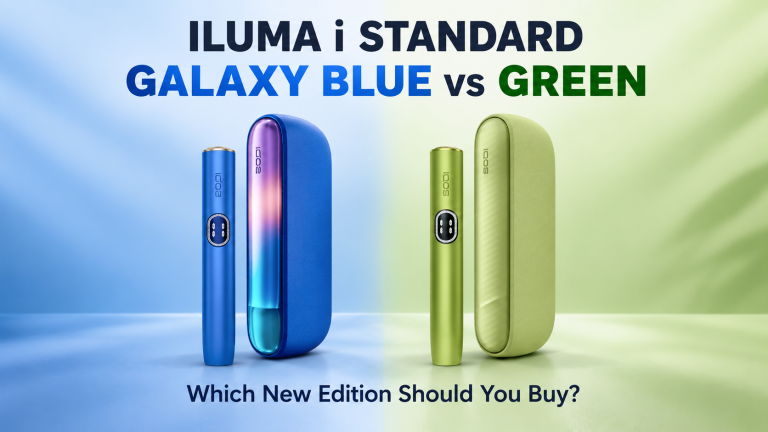 ILUMA i Standard Galaxy Blue vs Green: Which New Edition Should You Buy?
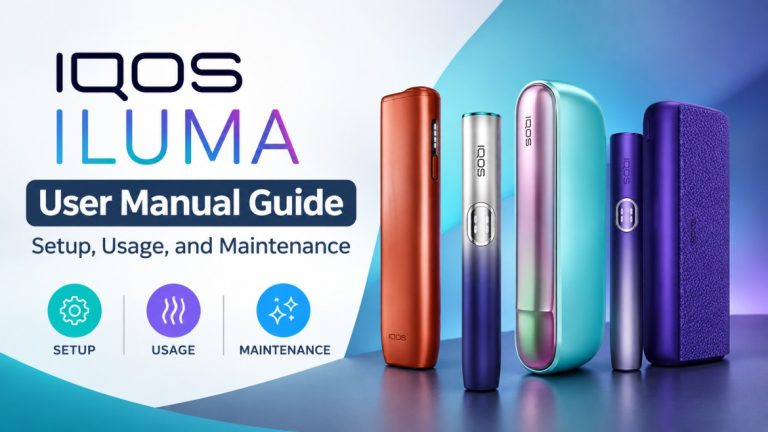 IQOS ILUMA User Manual Guide: Setup, Usage, and Maintenance
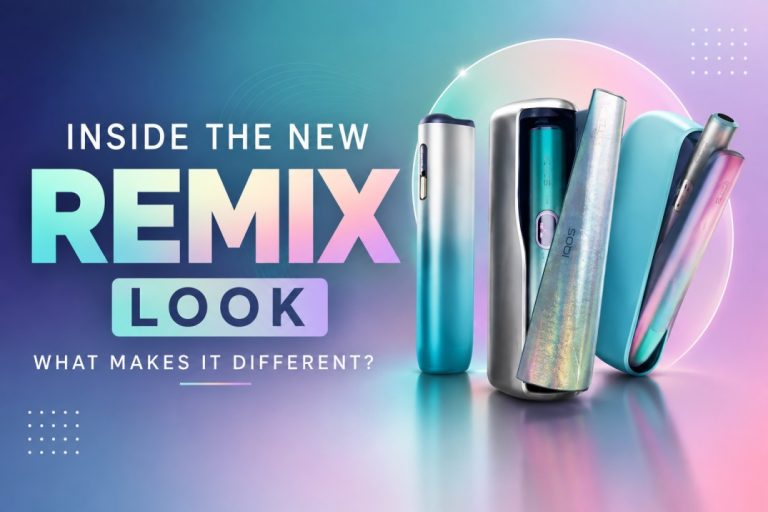 Inside the New REMIX Look: What Makes It Different?
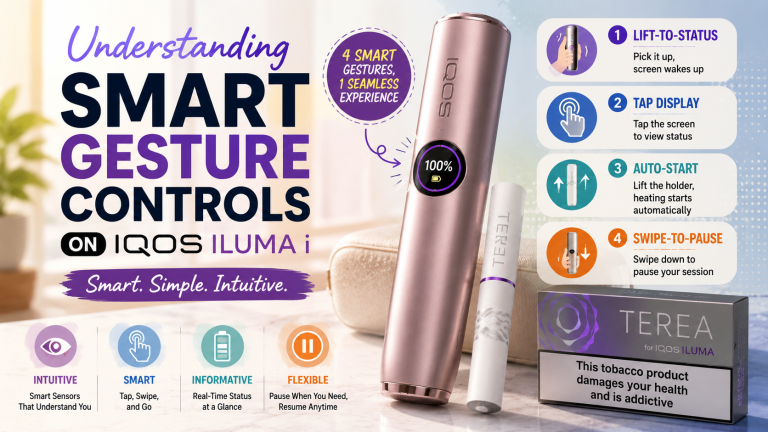 Understanding the Smart Gesture Controls Available on IQOS ILUMA i
 5 Common Myths About Heated Tobacco You Should Stop Believing