
How to Fix IQOS ILUMA i Lift-to-Status and Tap-Display Lag
Slow Lift-to-Status or Tap Display on your IQOS ILUMA i? Learn the real causes, from battery to UAE heat, and the fixes that actually work.
On this page · 13 sections
- What Lift-to-Status and Tap Display Actually Do
- What Counts as Actual Lag
- Why This Happens
- How to Actually Fix It
- Quick Test to Confirm It’s Fixed
- Mistakes That Cause This More Often Than People Realize
- Heat Really Does Matter Here
- Firmware Updates Are Worth Taking Seriously
- Lift-to-Status vs Tap Display
- When to Stop Troubleshooting and Call Support
- Quick FAQ Answers
- Keeping It Responsive Long-Term
- Final Thought
If you’ve had an IQOS ILUMA i for a while, you know the little thrill of picking it up and watching the screen light up on its own, or tapping it once and getting your battery level instantly. That’s Lift-to-Status and Tap Display doing their job. So when the holder suddenly takes a couple of seconds to respond, or you have to tap it three times before anything happens, it’s noticeable, and it’s fair to wonder if the device is on its way out.
Looking for the device itself? See the IQOS ILUMA i ONE with current UAE pricing and same-day Dubai delivery.
Most of the time, it isn’t. In the majority of cases we hear about from users in Dubai, Abu Dhabi and Sharjah, the lag comes down to something ordinary: a low battery, outdated firmware, a small software hiccup, or even the way the holder is being tapped or lifted. The UAE climate plays a role too. Cars turn into ovens in July, and the swing between outdoor heat and indoor AC genuinely affects how fast these sensors respond. Here’s what’s going on, and how to fix it. For more walkthroughs like this one, our blog covers most of the day-to-day questions ILUMA i owners run into.
What Lift-to-Status and Tap Display Actually Do
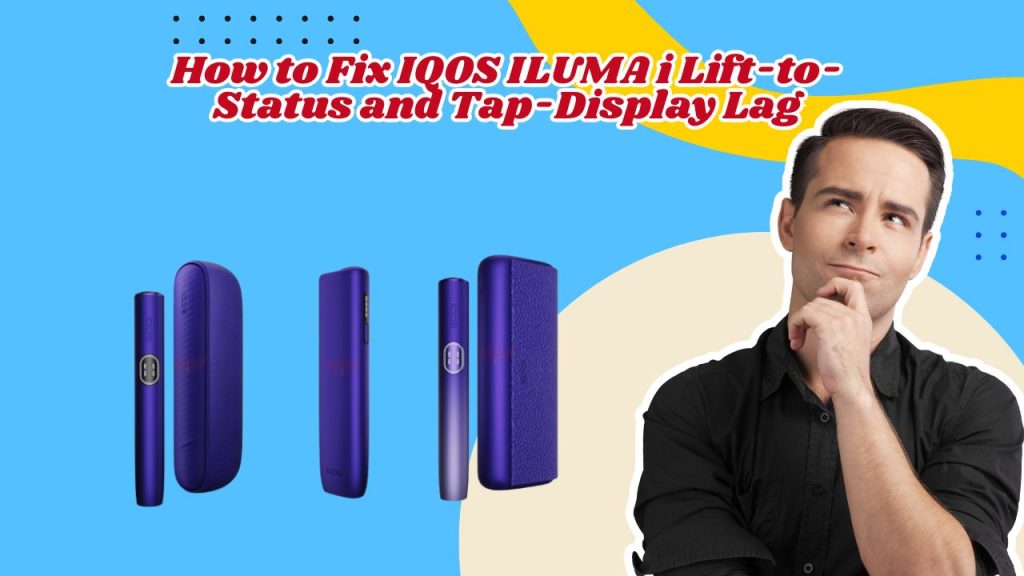
The ILUMA i Standard and ILUMA i PRIME come with a small circular touchscreen built into the holder, something the regular ILUMA and ILUMA ONE don’t have. Two gestures work off that screen.
Lift-to-Status
uses a motion sensor to notice when you pick the holder up, whether that’s off a table or out of your pocket. Once it catches that upward movement, the screen shows your battery level, or a charging animation if it’s plugged in. No touching required. It should happen within a second or two, similar to a smartwatch waking up when you raise your wrist.
Tap Display
is the manual version. One light tap on the screen wakes it and cycles through battery percentage, remaining uses, and charging status. It runs on a separate touch sensor, which is why one feature can misbehave while the other works fine. Note that the entry-level ILUMA i ONE skips the touchscreen entirely, so none of this applies to that model. If you’re still getting used to the gestures themselves, our guide to using the ILUMA i walks through the basics step by step.
What Counts as Actual Lag
A healthy ILUMA i wakes up in one to two seconds, with a smooth animation and consistent results every time. Anything beyond that, a delay of several seconds, needing multiple taps, a lift that gets ignored, or a screen that briefly freezes, is worth paying attention to.
| Normal | Problem |
|---|---|
| Wakes instantly | Long delay |
| One tap is enough | Needs several taps |
| Smooth animation | Freezes or stutters |
| Lift is detected every time | Lift gets ignored |
Why This Happens
Low battery.
When charge runs low, the device puts heating first and everything else, including the display, second. If lag mostly shows up late in the day, this is probably it. If you’re also noticing charging problems alongside the lag, it’s worth ruling out a related issue using our ILUMA i charging troubleshooting guide.
Outdated firmware.
IQOS pushes updates through the app that specifically target sensor accuracy and display smoothness. If Bluetooth is rarely connected, these updates pile up unnoticed.
A recent update.
Right after installing new firmware, the device can feel slightly off for a day or two while it finishes recalibrating in the background. Give it a couple of days before assuming something’s broken.
Motion sensor not catching the lift.
Lifting too slowly, at an odd angle, or with a thick case dampening the movement can all throw the sensor off. A recent knock or drop doesn’t help either.
Tap not registering.
Tapping too lightly, slightly off-centre, too fast, or with your palm partly covering the sensor are the usual culprits here. This is almost always about technique, not hardware. If the screen seems dead rather than just slow, that’s a different problem, covered in our piece on the ILUMA i touchscreen going unresponsive.
Heat or cold.
A holder left in a parked car or a hot pocket can trigger built-in temperature protection, which deliberately slows non-essential functions like the screen to protect the battery. Heavy AC exposure after being outside can occasionally cause a milder version of the same thing.
Charging in progress.
While it’s sitting in the pocket charger, the processor is busy managing the charge itself, so the screen can lag a bit until charging wraps up. That’s expected, not a fault.
Physical damage.
A drop, water exposure, or general rough handling can affect the tiny components behind motion and touch detection. If the lag started right after an obvious impact, this is likely the reason.
A genuine hardware fault.
Less common, but it happens, especially on older devices or ones that have taken a hit before. If nothing else explains the lag, this is what’s left.
How to Actually Fix It
Work through these in order. Most people don’t need to go past step three or four. This is the same sequence we recommend under our ILUMA i troubleshooting category for most sensor and display complaints.
- Restart the holder. Power it off, wait a few seconds, turn it back on. Clears out whatever background glitch was causing the delay.
- Charge it past 50%. Don’t test anything on a near-empty battery. Give it a proper charge first.
- Update the firmware. Open the IQOS app, keep Bluetooth on, and check for a pending update. Stay near your phone until it finishes installing.
- Re-test Lift-to-Status. Lift in one smooth, natural motion, like picking up a pen, rather than a slow drag. Try it a few times from different starting points.
- Re-test Tap Display. One light, centred tap, with a short pause before the next one. Dry fingers, no case covering the sensor.
- Let it cool down. If it’s been in the sun or a hot car, leave it somewhere shaded for ten to fifteen minutes before trying again.
- Remove any sleeve or case. Test bare-handed. Thicker accessories interfere more than they look like they would.
- Reset the device. If nothing above worked, a full reset through the app clears deeper software conflicts that a simple restart doesn’t touch. Our step-by-step ILUMA i reset guide covers exactly how to do this for the UAE version of the app. You’ll need to redo any personalised gesture settings afterward.
- Call IQOS support. If the lag survives all of that, it’s probably hardware. Time to get it looked at.
Quick Test to Confirm It’s Fixed
- Lift it five times from a flat surface
- Tap the screen five times, lightly
- Check the response speed against that one-to-two second benchmark
- Watch how it behaves while charging
- Restart once more and repeat everything
If all five come back clean, you’re done. If even one still lags, go back and repeat the firmware update and reset before calling support.
Mistakes That Cause This More Often Than People Realize
Rapid, repeated tapping is probably the single biggest cause here, since the sensor reads a burst of taps as noise rather than a clear signal. Lifting too slowly, ignoring update prompts for weeks, running the battery to empty, leaving the holder on a car dashboard, and expecting an instant response the moment it powers on all cause the same symptoms without anything actually being wrong. Keeping the holder clean matters too, and our cleaning and maintenance guide is worth a look if it’s been a while.
Heat Really Does Matter Here
This is one of the more UAE-specific parts of the whole thing. Between June and September, a holder left in direct sun or a parked car can heat up fast enough to trip the built-in temperature protection, making the screen sluggish. Going the other way, moving from outdoor heat straight into heavy air conditioning can cause a milder version of the same issue. Keeping the device away from both extremes solves this more reliably than anything else here. For more on what’s happening inside the holder when this kicks in, see how ILUMA heating technology works.
Firmware Updates Are Worth Taking Seriously
These aren’t cosmetic. Philip Morris releases updates specifically to recalibrate the motion sensor, smooth out the wake-up animation, and patch whatever background bugs were causing lag in the first place. If it’s been more than a month since your last update, that’s probably the first thing to check, before anything else on this list.
Lift-to-Status vs Tap Display
| Issue | Lift-to-Status | Tap Display |
|---|---|---|
| Doesn’t respond | Yes | Yes |
| Slow response | Yes | Yes |
| Needs repeated attempts | Yes | Yes |
| Motion sensor issue | Yes | No |
| Tap recognition issue | No | Yes |
| Firmware bug | Yes | Yes |
When to Stop Troubleshooting and Call Support
Get in touch with IQOS directly if the display never responds no matter what, the motion sensor has stopped working entirely, Tap Display doesn’t work under any circumstances, the device was recently dropped or got wet, a firmware update keeps failing to install, the screen freezes permanently instead of occasionally, or more than one smart feature is failing at the same time. In the UAE, you can reach support through the app, the customer care line, or any authorized IQOS online store like Terea Heets Dubai , where staff can run a proper diagnostic.
Quick FAQ Answers
Why is Lift-to-Status slow?
Usually low battery, old firmware, or a lifting motion the sensor isn’t reading well.
Why does Tap Display need several taps?
Tapping too lightly, off-centre, or too fast is the most common reason.
Does low battery really cause this?
Yes, the device quietly deprioritises the screen when charge gets low.
Does a restart actually help?
Often, yes. It clears out whatever background process was causing the delay.
Do updates fix sensor problems?
Frequently, that’s exactly what many of them target. Related gesture and vibration settings can be adjusted through the app too, as covered in our guide to customising ILUMA i devices via the IQOS app.
Does hot weather make it worse?
Yes, temperature protection kicks in and slows non-essential features on purpose.
Can I turn off Lift-to-Status?
Gesture settings are adjustable through the IQOS app if you’d rather not use it.
Can I calibrate the sensor myself?
No, that only happens through firmware updates, not user settings.
Is Tap Display on every ILUMA model?
No, it’s exclusive to the ILUMA i and ILUMA i PRIME
When should I just replace the device?
Once a proper inspection confirms hardware failure, especially after a drop, or if the same faults keep coming back despite everything above. If you’re weighing that decision, our full IQOS device buying guides can help you compare what’s currently available before you commit to a new one.
Keeping It Responsive Long-Term
- Update firmware when the app asks, don’t put it off
- Charge before it hits empty, not after
- Keep it out of parked cars and direct sun
- Tap gently, once, and lift naturally rather than fast
- Keep the sensors clean and dry
- Restart it every so often, even if nothing feels wrong
- If it suddenly gets worse after a drop or water exposure, stop testing it yourself and get it checked
Final Thought
Lift-to-Status and Tap Display are small features, but they’re genuinely useful once working properly. Nine times out of ten, the fix is simple: charge it, update it, restart it, or adjust how you’re tapping or lifting. If you’ve gone through everything here and it’s still lagging, that’s your sign to let IQOS support take a proper look, or if it’s simply time for an upgrade
Writes for Terea Heets Dubai. About our editorial team
 IQOS BONDS and BLENDS Explained: How the System Works in the UAE
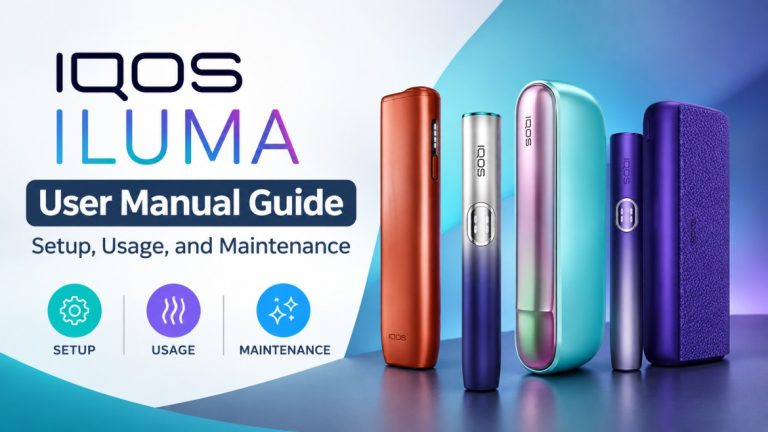 IQOS ILUMA User Manual Guide: Setup, Usage, and Maintenance
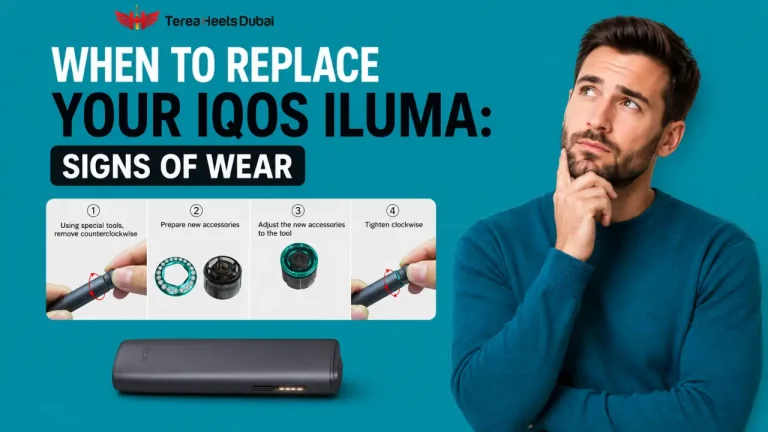 When Should You Replace Your IQOS ILUMA Device: Signs of Wear
 Why Does IQOS ILUMA i FlexBattery Cancel Your Pause Session Automatically?
 Brand New RELX Pod Tastes Dry on the First Hit? Here’s the Exact Fix
 TEREA Stick Not Recognized by IQOS ILUMA? Possible Causes Explained