
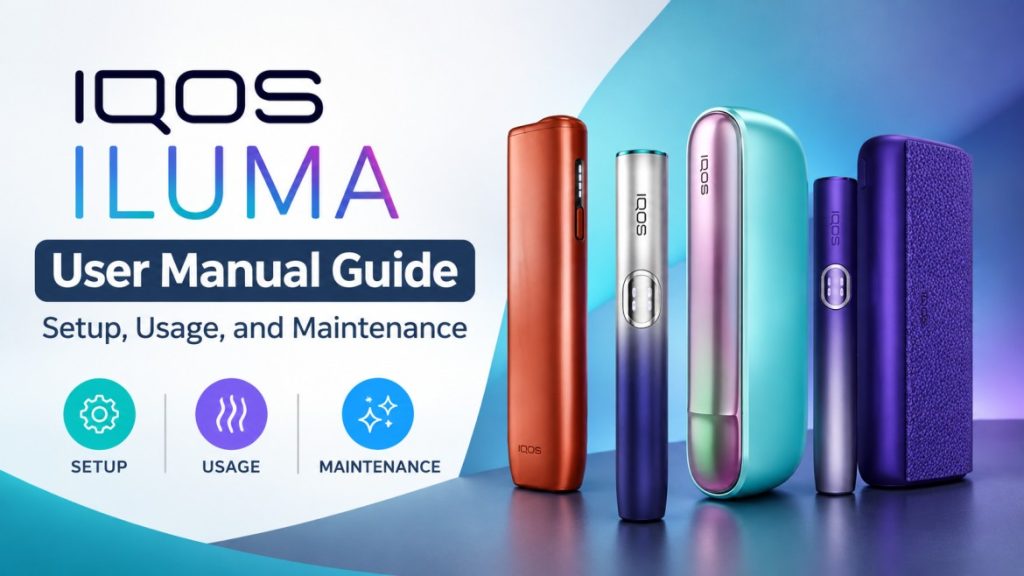
IQOS ILUMA User Manual Guide: Setup, Usage, and Maintenance
A complete IQOS ILUMA user manual covering setup, charging, daily use, cleaning, and troubleshooting for the i One, Standard, and Prime models in the UAE.
On this page · 18 sections
- Getting Started With IQOS ILUMA
- IQOS ILUMA Models Covered in This Guide
- What’s Inside the Box?
- Before Your First Use: IQOS ILUMA Setup
- How to Use IQOS ILUMA Step by Step
- IQOS ILUMA i Features and Controls Explained
- IQOS ILUMA Charging Guide
- Does IQOS ILUMA Need Cleaning?
- IQOS ILUMA Maintenance and Care
- IQOS ILUMA Troubleshooting Guide
- How to Reset or Restart IQOS ILUMA
- New IQOS ILUMA: One vs Standard vs Prime
- IQOS ILUMA Error Messages and Indicator Lights
- Battery and Device Care: Getting Consistent Everyday Performance
- Safety Information Every IQOS ILUMA User Should Know
- When to Contact IQOS Support
- Frequently Asked Questions About IQOS ILUMA
- Conclusion
Getting Started With IQOS ILUMA
IQOS ILUMA runs on induction heating instead of the blade heating older IQOS generations used. That single change affects almost everything about how you use the device day to day, from how you insert a stick to how much cleaning it actually needs. If you’ve used an older IQOS before, don’t assume the old habits carry over directly. They mostly don’t.
This guide walks through setup, charging, daily use, cleaning, maintenance, and troubleshooting in the order you’ll actually need them. Whether you just bought your first device or you’ve had one for months and hit a weird glitch, you should find your answer somewhere in here.
One thing before we start: this is a tobacco heating product intended for adult users only. If you’re not already a smoker or an existing tobacco user of legal age, this guide isn’t for you.
IQOS ILUMA Models Covered in This Guide
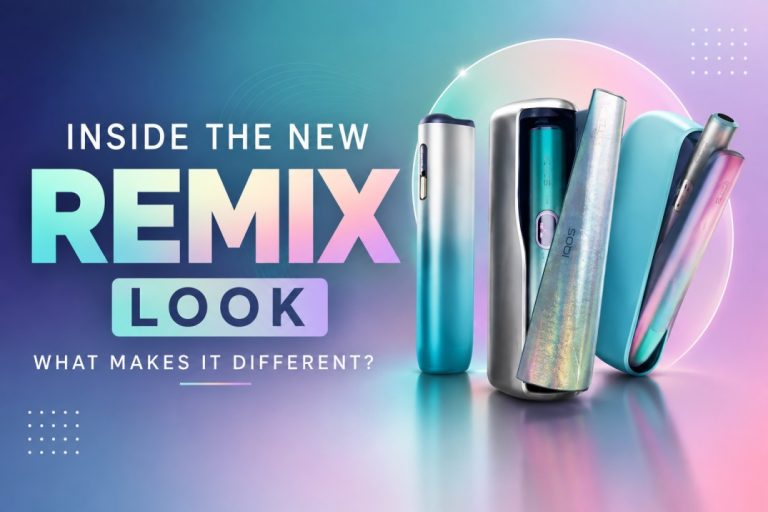
Three models fall under the ILUMA i lineup, and this guide covers all of them: ILUMA i One, ILUMA i Standard, and ILUMA i Prime. Each comes in a range of finishes, including Breeze Blue, Digital Violet, Electric Purple, Midnight Black, Orange, Lime Green, Garnet Red, Vivid Terracotta, and a handful of limited-edition REMIX colorways.
Most of what’s in this guide applies across all three models, since they share the same core induction technology. Where instructions genuinely differ, usually around charging format and available smart features, that gets called out clearly rather than lumped together.
If you’re still deciding which one to buy, TEREA Dubai stocks the full range, including ILUMA i One in Blue, ILUMA i Standard in Blue, and ILUMA i Prime in Aspen Green, along with every other finish across the lineup.
What’s Inside the Box?
Every IQOS ILUMA box ships with the device itself and its essential components, a charging cable, and printed user documentation covering the basics. Depending on the specific model, that might mean a single all-in-one unit for the i One, or a separate holder and charging case for the Standard and Prime.
Take a minute before you do anything else to identify each piece against the box contents list. It sounds unnecessary, but it saves confusion later when you’re trying to figure out which cable goes where.
If anything looks missing or arrives damaged, don’t attempt to use the device. Contact the retailer you bought it from, or IQOS support directly, before charging or inserting a stick.
Before Your First Use: IQOS ILUMA Setup
Charge the Device
Charge your device fully before you use it for the first time. Connect it using the included cable, and watch the indicator light for charging status; most models show a pulsing or solid light pattern while charging, then a steady signal once it’s full.
A full first charge usually takes longer than a top-up charge later on, so don’t assume something’s wrong if it takes a while the first time.
Prepare the IQOS ILUMA
Remove all protective packaging and film before use, including anything covering the holder opening or charging contacts. Give the device a quick visual check for any shipping damage.
Take a moment to locate the main button, the indicator lights, and the holder opening. Getting familiar with these before your first session makes everything that follows a lot smoother.
First-Time Setup Checklist
Run through this order for your very first session: charge the device fully, inspect it for damage, insert a compatible tobacco stick, activate the device with the button, and wait for the readiness signal before drawing.
How to Use IQOS ILUMA Step by Step
Only use tobacco sticks specifically designed for the ILUMA system. Older IQOS stick formats built for blade-heating devices are not compatible here and won’t work correctly, if at all.
To start a session, insert the stick fully and straight into the holder opening; no twisting or forcing needed if it’s the correct stick. Press and hold the button until you feel a vibration or see the light change; this is your signal that heating has started. Wait for the readiness indicator, usually another vibration or light change, before your first draw.
You’ll get an alert near the end of the session letting you know it’s about to finish, so pay attention to that rather than getting caught off guard. Once the session ends, remove the used stick by pulling it straight out, and dispose of it appropriately.
Avoid Common Usage Mistakes
Don’t force a stick into the device if it’s not going in smoothly, that usually means it’s the wrong format or inserted at an angle. Don’t twist or wiggle the stick unnecessarily once it’s in, since that can affect performance or damage the heating chamber. Stick to compatible consumables only, and always follow the manufacturer’s instructions rather than shortcuts you’ve picked up from someone else’s device.
Having trouble with your ILUMA device? Check out this helpful guide on common ILUMA issues and quick solutions to troubleshoot common heating, charging, connectivity, and performance problems.
IQOS ILUMA i Features and Controls Explained
The core controls stay consistent across the range: a main button for activating a session, and indicator lights that communicate battery level, charging status, and session state. Many ILUMA i models also include haptic vibration feedback, so you feel a pulse rather than only seeing a light change.
Smart features vary a bit by model. The i Prime, for example, tends to include the most refined feature set and display feedback, while the i One keeps things simpler by design. You can also learn more about the FlexPuff feature and HeatControl technology if you want a closer look at these features. None of that changes the core function; it just changes how much extra feedback you get along the way.
IQOS ILUMA Charging Guide
Charge using only the cable and method that came with your device, or an officially approved replacement. Battery status typically shows through the indicator lights, with one pattern while charging and another once the device is fully charged. If you’re having trouble, see this guide on ILUMA charging issues for common problems and fixes.
A few habits can help keep charging predictable: avoid letting the battery run completely to zero repeatedly, and don’t leave the device charging for excessively long periods after it’s full. If your device doesn’t appear to charge at all, check the cable connection first, try a different power source, and look for any visible damage to the charging port before assuming the device itself has failed.
Does IQOS ILUMA Need Cleaning?
Yes, but less than you might expect if you’re used to older IQOS models. Since ILUMA uses induction heating instead of a blade, there’s no metal blade to clean after every stick, which was the main cleaning task on earlier devices.
Don’t treat your ILUMA the way you’d treat a blade-based IQOS. The cleaning routine here is lighter and less frequent, mostly focused on the exterior and the holder opening rather than an internal blade.
Check the device periodically for any buildup around the holder opening, and keep the exterior and charging contacts clean and dry. Never insert anything into the heating chamber beyond a compatible stick: no cleaning tools, no cotton swabs, nothing. For a full walkthrough with exact steps, our guide on cleaning for the best flavor covers this in more detail than we can fit here.
IQOS ILUMA Maintenance and Care
Daily Care
Wipe the exterior down when it needs it, keep the device dry at all times, and store it somewhere reasonable rather than tossed in a bag with loose items that could scratch or damage it.
Long-Term Care
Protect the device from extreme heat and cold, both of which can affect battery performance over time. Keep the charging contacts clean and free of debris, and handle the charging case and holder carefully rather than dropping them regularly. Beyond this guide, official IQOS maintenance recommendations are worth checking periodically, since guidance can be updated.
Things to Avoid
Keep water and excessive moisture away from the device entirely. Don’t use unauthorized cleaning tools or attempt any kind of disassembly. Avoid dropping or crushing the device, and steer clear of unapproved accessories or modifications, since these can void warranty coverage and affect performance. Our broader guide on cleaning and maintaining your device goes into more of the day-to-day habits worth building.
IQOS ILUMA Troubleshooting Guide
- Device won’t turn on: Check the battery level first, charge it fully, and try again. If it still won’t turn on after a full charge, check the indicator lights for any error pattern.
- Device won’t charge: Inspect the charging connection for debris or damage, try the recommended charging setup exactly as specified, and look for any visible physical damage to the port or cable.
- Session won’t start: Confirm the stick is inserted correctly and fully, check your battery level, and look for any device alerts that might explain what’s going on.
- Lights are flashing: Different flash patterns mean different things depending on your specific model, so check your model’s instructions rather than assuming one pattern applies universally. A restart sometimes clears up a persistent flashing pattern that doesn’t match a known error.
- Device feels too hot: Stop using it immediately and let it cool down fully before trying again. If abnormal heating continues after cooling and a fresh attempt, that’s a sign to stop using the device and get professional support rather than pushing through it.
For a broader rundown of common issues beyond what’s listed here, our guide on common device fixes covers more scenarios in one place.
How to Reset or Restart IQOS ILUMA
A restart can help with a lot of minor glitches, an unresponsive button, a frozen light pattern, or a session that won’t start despite everything looking normal.
The general process involves holding the main button for an extended period until the device powers down, then powering it back on. Exact timing and button combinations can differ slightly between ILUMA generations and models, so it’s worth checking your specific model’s instructions rather than assuming every device resets the same way.
If a reset doesn’t resolve the issue, that’s usually the point to stop troubleshooting on your own and reach out to official support instead. Our detailed step-by-step reset guide walks through the exact process for UAE users.
New IQOS ILUMA: One vs Standard vs Prime
| Feature | ILUMA i One | ILUMA i Standard | ILUMA i Prime |
|---|---|---|---|
| Device format | Single all-in-one unit, no separate holder | Holder plus separate charging case | Holder plus separate charging case, refined finish |
| Charging approach | Built into the single unit | Holder charges inside the case | Holder charges inside the case |
| Controls | Simple single-button operation | Standard button and light controls | Standard controls with added display feedback |
| Smart features | Core essentials only | Some added feedback over the One | Most complete feature set in the range |
| Best suited to | Users who want the simplest, most compact setup | Users who want a traditional two-piece format | Users who want the most refined day-to-day experience |
Most instructions in this guide apply across all three models equally; the charging steps, cleaning approach, and troubleshooting basics don’t really change. What differs is mainly format and the amount of feedback you get from the device itself.
If you’re deciding between finishes once you’ve picked a tier, ILUMA i Standard in Electric Purple and ILUMA i Prime in Breeze Blue are both popular picks in the UAE right now, alongside the ILUMA i One in Lime Green for anyone who wants something a bit bolder.
IQOS ILUMA Error Messages and Indicator Lights
Light patterns generally fall into a few categories: battery-related indicators showing charge level, charging indicators showing whether the device is actively charging, session-related signals showing session status and how much time is left, and error states signaling something needs attention.
Exact meanings can vary slightly by model, so when you see a pattern you don’t recognize, check the official manual for your specific device rather than guessing based on a different model’s behavior. If you’ve noticed your device seeming to lag or respond slowly when you check status, our guide on tap display lag fix addresses that specific issue directly.
Battery and Device Care: Getting Consistent Everyday Performance
Sensible charging habits go a long way toward keeping your device performing well day after day. Avoid letting the battery drain to zero repeatedly, and don’t leave it sitting fully depleted for extended stretches between charges.
Store the device somewhere reasonable between uses, avoiding extreme heat or cold, both of which can affect battery health over time. If you’ve noticed your pause sessions ending on their own without warning, that’s a known behavior worth understanding rather than assuming your device is broken. Our piece on why pause sessions cancel automatically explains what’s actually happening there.
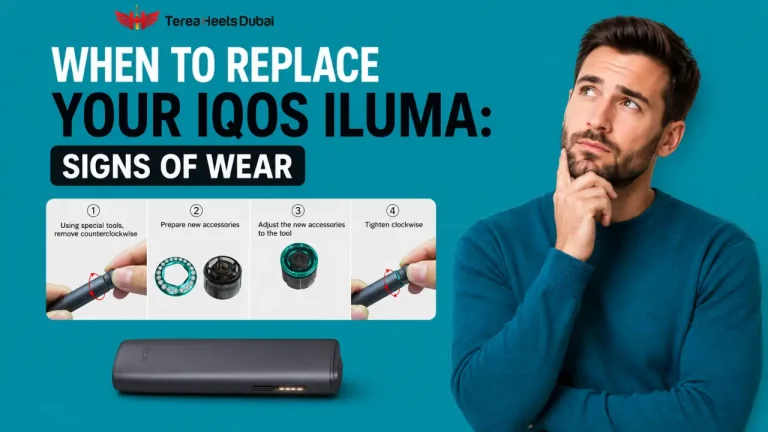
Battery performance naturally changes over the life of any rechargeable device, gradually holding less charge as it ages. If you notice a real drop in how long a charge lasts compared to when the device was new, that’s a sign it might be time to look into support options rather than something to just push through indefinitely.
Safety Information Every IQOS ILUMA User Should Know
Follow the manufacturer’s safety instructions at all times; don’t treat them as optional suggestions. Keep the device away from children and pets entirely. Never use a device that shows visible damage, and avoid exposing it to water under any circumstances.
Follow local rules for use and disposal wherever you are, since these can differ by location. And it should go without saying, but tobacco and nicotine products are intended strictly for adults and are addictive by nature.
When to Contact IQOS Support
Reach out to official support for persistent charging problems that don’t resolve after basic troubleshooting, repeated device errors that keep recurring, any physical damage to the device, or unusual heat, smell, or behavior that doesn’t match normal operation.
Warranty and service considerations vary depending on where and when you purchased the device, so have your purchase details ready. Before contacting support, have your device model, approximate purchase date, and a clear description of the issue ready to go; it speeds up the whole process significantly. If your touchscreen has become unresponsive and a basic restart hasn’t fixed it, our guide on forcing a restart is worth trying before you reach out to support.
Frequently Asked Questions About IQOS ILUMA
Does IQOS ILUMA need cleaning?
Yes, but much less than older blade-based IQOS models. Since ILUMA has no blade, cleaning mainly means wiping the exterior and keeping the holder opening clean rather than doing a full internal clean after every stick.
How long does an IQOS ILUMA battery last?
It depends on the model and how often you use it, so there isn’t one fixed battery life for everyone. Like other rechargeable batteries, capacity can also decrease gradually as the device gets older.
How do I know when IQOS ILUMA is fully charged?
The indicator light changes to a steady signal when charging is complete. While the device is still charging, the light normally uses a pulsing pattern.
Why is my IQOS ILUMA not turning on?
A low battery is one possible reason. Charge the device fully and try again. If it still doesn’t turn on, check the indicator light for an error pattern and try resetting the device.
Can I use older IQOS tobacco sticks with ILUMA?
No. ILUMA uses induction heating and requires tobacco sticks made specifically for the ILUMA system. Older blade-heating sticks aren’t compatible.
What should I do if an IQOS ILUMA stick gets stuck?
Don’t force or twist it aggressively. Try removing it with gentle, straight pressure. If it still won’t come out, stop and contact official support to avoid damaging the holder.
Can I use IQOS ILUMA while it is charging?
It depends on the specific model. Check the instructions for your ILUMA One, Standard, or Prime rather than assuming they all work the same way.
How do I reset IQOS ILUMA?
Press and hold the main button until the device powers down, then turn it back on. The exact reset process can vary by model, so check the instructions for your specific device if this doesn’t work.
How should I store my IQOS ILUMA?
Keep it somewhere dry and away from extreme heat or cold. Protect it from drops and pressure, and avoid leaving it in direct sunlight or inside a hot car for long periods.
Where can I find the official IQOS ILUMA user manual?
Check the documentation included with your device or visit the official IQOS website for your region. The official site is the best place to find the latest instructions for your specific model.
Quick IQOS ILUMA Maintenance Checklist
- Charge the device when needed; don’t let it sit fully depleted for long stretches.
- Keep the exterior clean and dry at all times.
- Inspect the device regularly for wear, damage, or buildup.
- Use only compatible consumables designed for the ILUMA system.
- Avoid unauthorized modifications or accessories.
- Follow model-specific instructions where they differ.
- Contact official support for anything that doesn’t resolve with basic troubleshooting.
Conclusion
Setting up, using, and maintaining an IQOS ILUMA comes down to a few consistent habits: charge it properly, insert sticks correctly without forcing anything, keep it clean without overdoing it, and pay attention to what the indicator lights are actually telling you. Most day-to-day issues trace back to one of those basics.
Since exact instructions can differ slightly between the i One, i Standard, and i Prime, always check the model-specific official manual when something in this guide doesn’t quite match what you’re seeing on your device. And above all, this remains a tobacco product meant strictly for adult, responsible use.
If you’re shopping for your next device or a specific finish, Terea Dubai carries the full ILUMA i range, including the ILUMA i Prime in Midnight Black and the ILUMA i One in Terracotta Orange, along with every other finish covered in this guide.
This product contains nicotine, which is an addictive chemical. For use by adults only. This product is not intended for pregnant or nursing women, persons with or at risk of heart disease, high blood pressure, diabetes, or taking medicine for
Writes for TEREA HEETS Dubai. About our editorial team
 ILUMA i Standard Galaxy Blue vs Green: Which New Edition Should You Buy?
 IQOS BONDS and BLENDS Explained: How the System Works in the UAE
 First 48 Hours With ILUMA: A New User’s Honest Impressions
 Inside the New REMIX Look: What Makes It Different?
 When Should You Replace Your IQOS ILUMA Device: Signs of Wear