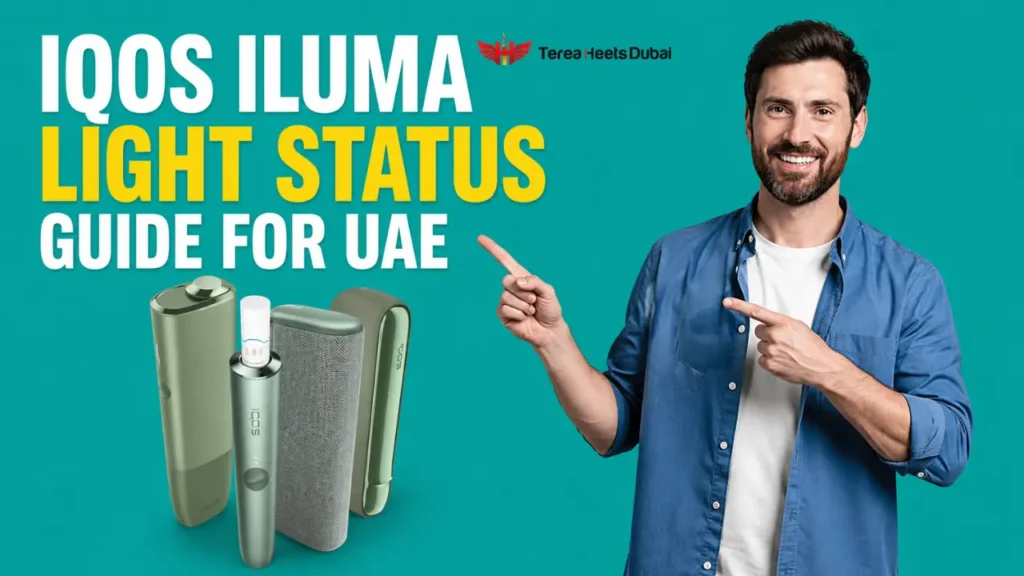
Your IQOS ILUMA talks to you in three ways. It uses LED lights, vibrations, and on the ILUMA i, a small touch screen. Once you understand the IQOS ILUMA light meaning, you can read your device in seconds. White means everything is fine. Yellow means charge it. Red means it needs your attention. Vibrations tell you when a session starts, when it is ready, and when it is about to end.
Looking for the device itself? See the IQOS ILUMA i ONE with current UAE pricing and same-day Dubai delivery.
In this guide, we decode every light, buzz, and screen symbol across all IQOS ILUMA models, plus the reason Dubai heat changes how these signals behave.
Quick Reference: All IQOS ILUMA Signals at a Glance
Save this table. It covers the most common signals on your holder and pocket charger.
| Signal | What It Means | What To Do |
| Pulsing white light | TEREA stick is preheating | Wait until pulsing stops |
| Solid white light | Ready to use | Start your session |
| White blinking twice | Device is too hot or too cold | Move it to a cooler spot and wait |
| Blinking yellow or orange | Battery is low | Charge for about 15 minutes |
| Blinking red on holder | Reset needed, failed update, or magnet nearby | Reset for 10 seconds |
| Blinking red on charger | Holder charge is low or contacts are dirty | Charge and clean the contacts |
| No lights at all | Device is off or fully drained | Charge for 30 minutes, then reset |
| One vibration | Heating has started | Wait a moment |
| Two vibrations | Session is ready | Take your first puff |
| Two vibrations mid session | 30 seconds or 2 puffs left | Finish and remove the stick |
White Light Signals: Your ILUMA Is Working Normally
White is a friendly color. If you see white, relax.
Pulsing white light: When you insert a TEREA stick, AutoStart kicks in and the SMARTCORE induction system begins heating the stick from the inside. The light pulses slowly while this happens. The same light also pulses near the end of a session. Fresh stick means heating, a few minutes in means your session is wrapping up.
Solid white lights: Your holder is ready, and the lights show how many uses remain:
- Two lights mean the holder is fully charged and ready for two back to back sessions
- One light means you have one session left
- No lights mean the holder needs to go back into the pocket charger
Quick trick: lift the holder anytime and the status lights instantly show your remaining uses.
White light blinking twice: This is a temperature warning. Your ILUMA works between 0 and 40 degrees Celsius. If it sits in a hot car or under direct sun, it steps outside that range and refuses to start. Give it a few minutes somewhere cool. We cover the Dubai heat problem further down, because it is the most common summer complaint we hear.
Red Light on IQOS ILUMA: Causes and Real Fixes
A blinking red light worries people the most, but your device is usually not broken. Three common causes sit behind a red light on the holder:
- The device needs a reset: Small software glitches build up over time, like on a phone.
- A firmware update failed: If the update through the IQOS app got interrupted, the holder flags it with red.
- A magnet is nearby: IQOS ILUMA devices use magnetic technology, so phone cases, car mounts, and magnetic chargers can confuse the calibration. Keep your holder away from them.
If the red light shows on the pocket charger instead, it usually means the holder battery is very low, or the charging contacts are dirty. Wipe the contacts with a dry cleaning stick and charge the device.
How to Reset Your IQOS ILUMA Step by Step
A reset clears the vast majority of red light problems. Here is the full process:
- Place the holder inside the pocket charger
- Press and hold the pocket charger button for 10 seconds
- Keep holding while all the lights fade out and then fade back in
- Release the button and wait for the vibration that confirms the reset
Using an ILUMA One? The steps differ slightly. Hold the button for 7 seconds, then release. The status lights will turn off, blink twice, and turn back on to confirm.
If the red light keeps blinking after two resets, you are likely looking at a hardware fault. Stop troubleshooting and check your warranty. Original devices from trusted UAE sellers come with replacement support, one more reason to avoid suspiciously cheap deals.
Yellow and Orange Lights: Simple Battery Signals
Yellow is the easiest signal to fix. A blinking yellow or orange light means your battery is low, and about 15 minutes of charging stops the blinking.
A few model specific notes:
- On the IQOS ILUMA i One, a yellow blink at the bottom of the light strip means low battery, and a full charge takes about 75 minutes
- Three yellow blinks on the lower holder light mean the holder needs to return to the pocket charger
- Always use the official IQOS power adaptor, since cheap chargers can trigger false warning lights
IQOS ILUMA Vibration Meaning: The Buzz Decoder
Haptic feedback lets you use your device without looking at it. This is the part almost no UAE guide explains properly, so here is the complete vibration meaning:
- One vibration with slow pulsing light means heating has started. AutoStart triggers this the moment you insert a TEREA flavor.
- Two vibrations with solid light mean your session is ready. Take your first puff now, not before.
- Two vibrations again during the session mean you have about 30 seconds or 2 puffs remaining. A full session gives you roughly 6 minutes or 14 puffs, whichever comes first.
The Double Tap Trick Most Owners Never Discover
Want to know how much session is left? Double-tap your holder during use and count the buzzes:
- Three vibrations mean you still have 50 to 75 percent of your session left
- Two vibrations mean 25 to 50 percent remaining
- One vibration means less than 25 percent left
This works across the IQOS ILUMA range with TEREA, DELIA, and LEVIA SMARTCORE sticks. It is genuinely useful when your device is in your pocket during a call or a meeting.
ILUMA Not Vibrating Anymore? Try These Fixes
If your haptic feedback stops working, run through this list in order:
- Open the IQOS app and check that vibration alerts are switched on
- Reset the device using the 10 second method above
- Charge the holder fully, since very low power can disable haptics
- Update the firmware through the app to clear hidden software bugs
If you are a new IQOS user, read this full guide: Customise ILUMA i Devices Smart Features via IQOS App
IQOS ILUMA i Touch Screen Symbols Explained
The IQOS ILUMA i replaced simple lights with a touch screen, and the symbols confuse many new owners. Here is what each one means:
- A light ring extending counterclockwise shows preheating progress. You see it after AutoStart or after swiping up on the screen, along with a vibration.
- Two vertical dashes mean Pause Mode is active. Swipe down across the screen to pause your session for up to 8 minutes. The LEDs fade out one by one from the 12 o’clock position as your pause counts down. If you do not resume within 8 minutes, the holder switches off and the session ends.
- Two horizontal dashes mean Performance Mode, which is the default setting.
- A single horizontal dash in the center means Eco Mode is on, which trades a little intensity for longer battery life.
If a symbol freezes or the screen stops responding, the same 10-second reset fixes it in most cases.
Pocket Charger Lights Across Different Models
The pocket charger has its own language. Remember these patterns:
- Pulsing round lights mean your holder is charging inside the charger
- One or two solid round lights show how many sessions are ready
- A pulsing charging bar means the pocket charger itself is charging from the wall
- Completely dead LEDs usually mean the device turned off or drained fully, so hold the button for 10 seconds, then charge with the official adaptor for at least 30 minutes
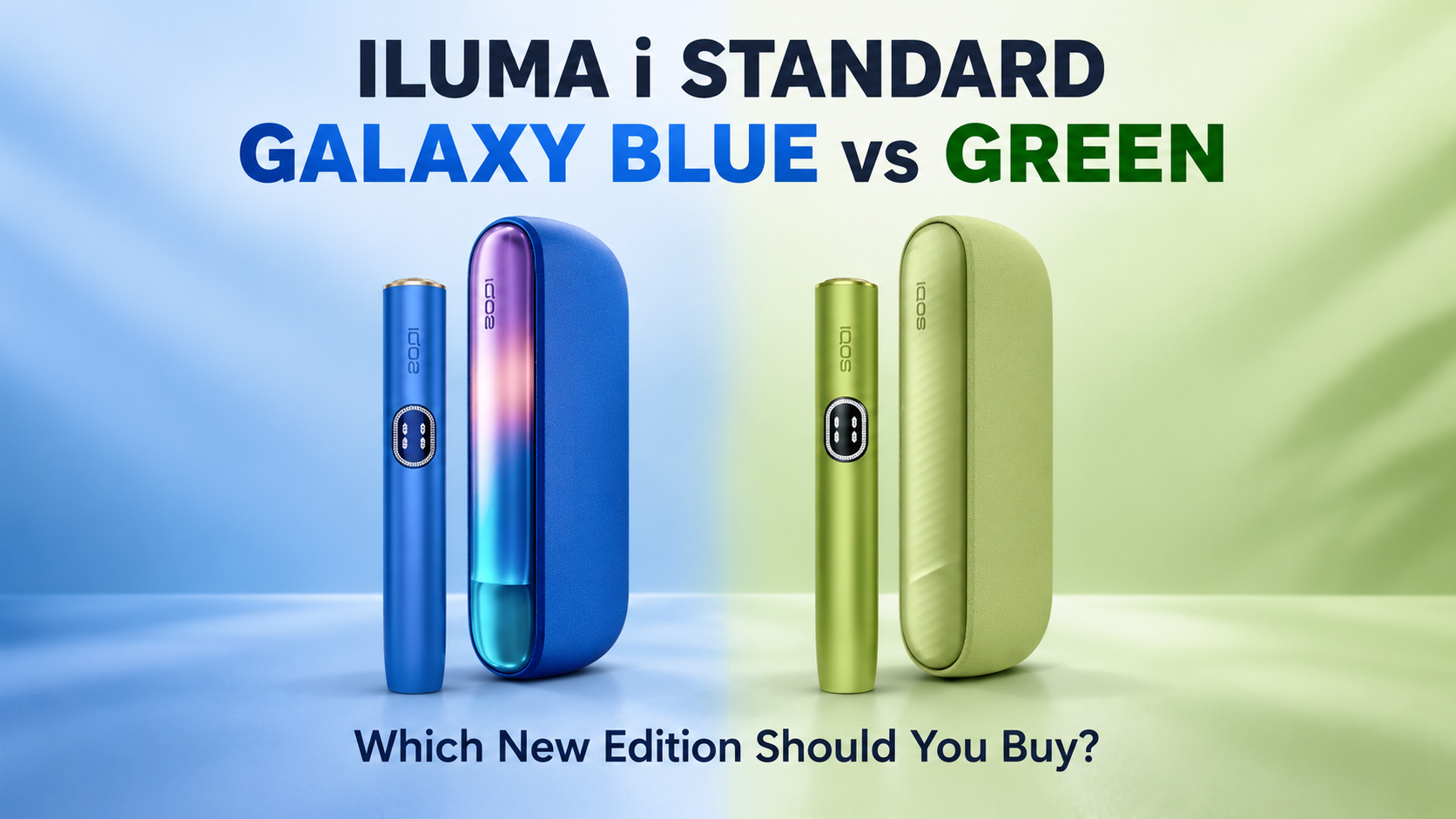
The IQOS ILUMA i Standard and ILUMA i Prime share the same light system. The ILUMA One uses a single light strip, while the ILUMA i moves most signals to its touch screen.
Dubai Heat and Your ILUMA: Why Signals Act Differently in the UAE
This is the section every international guide skips. Your ILUMA operates between 0 and 40 degrees Celsius, but Dubai summers regularly push past 45 degrees. That gap explains why so many UAE vapers see the double white blink from June to September.
Follow these local rules:
- Never leave your IQOS ILUMA one in a parked car, since the dashboard can hit 70 degrees within an hour
- Keep it out of direct sunlight at the beach or by the pool
- After a temperature warning, move the device into shade or air conditioning and wait five minutes before trying again
- Store the device indoors during peak summer
Seeing more warning lights in summer is normal here. Your device is not faulty, it is protecting itself.
When Lights Lie: Signals on Fake Devices
Counterfeit ILUMA devices often show inconsistent lights, strange colors, or weak vibrations that match nothing in this guide. If your signals make no sense even after a reset, check the authenticity of your device. Buying from a trusted UAE source removes this risk.
FAQ
What does the red light on IQOS ILUMA mean?
It means the device needs a reset, a firmware update failed, or a nearby magnet is affecting calibration. Hold the pocket charger button for 10 seconds to reset.
Why is my ILUMA blinking white and not heating?
The device is outside its 0 to 40 degree operating range, which is common in UAE summer. Move it somewhere cool and try again in a few minutes.
Why does my IQOS ILUMA vibrate twice?
Two vibrations at the start mean your session is ready. Two vibrations later mean about 30 seconds or 2 puffs remain.
How long do I hold the button to reset IQOS ILUMA?
Hold for 10 seconds on the ILUMA, Prime, and ILUMA i. Hold for 7 seconds on the ILUMA One.
What do the dashes on the ILUMA i screen mean?
Two vertical dashes mean Pause Mode, two horizontal dashes mean Performance Mode, and a single dash means Eco Mode.
Can Dubai heat damage my ILUMA?
Heat rarely causes instant damage, but it triggers warnings and blocks sessions. Avoid hot cars and store the device indoors in summer.
Final Word
Most ILUMA signals are good news, and almost everything else is fixed with a 10 second reset. If a red light refuses to leave after resetting, reach out to our Terea Dubai online shop support team on WhatsApp, or browse original IQOS ILUMA i devices with full UAE warranty in our store.